
A TRC20 transfer can look simple right up until a wallet fails to display the token, the wrong network is selected, or there is not enough TRX available to cover execution. If you are asking which wallets support TRC20, the useful answer is not just a list of names. You need a wallet that recognizes TRON assets, lets you control the correct address, and matches how you actually move funds.
For most active users, the deciding factors are self-custody, TRON staking or resource access, hardware-wallet compatibility, and whether the wallet handles common assets such as USDT on TRON without extra setup. Here are the practical options and the trade-offs behind each one.
Which Wallets Support TRC20 Tokens?
TRC20 is a token standard on the TRON blockchain. A wallet supports TRC20 when it can receive, store, send, and display tokens issued under that standard. The most common example is USDT on TRON, often labeled USDT-TRC20.
The token address is a TRON address, usually beginning with the letter “T.” It is not interchangeable with an Ethereum address, a BNB Smart Chain address, or an address on another network. Sending TRC20 USDT to an unsupported network can create a recovery problem, and recovery is never guaranteed.
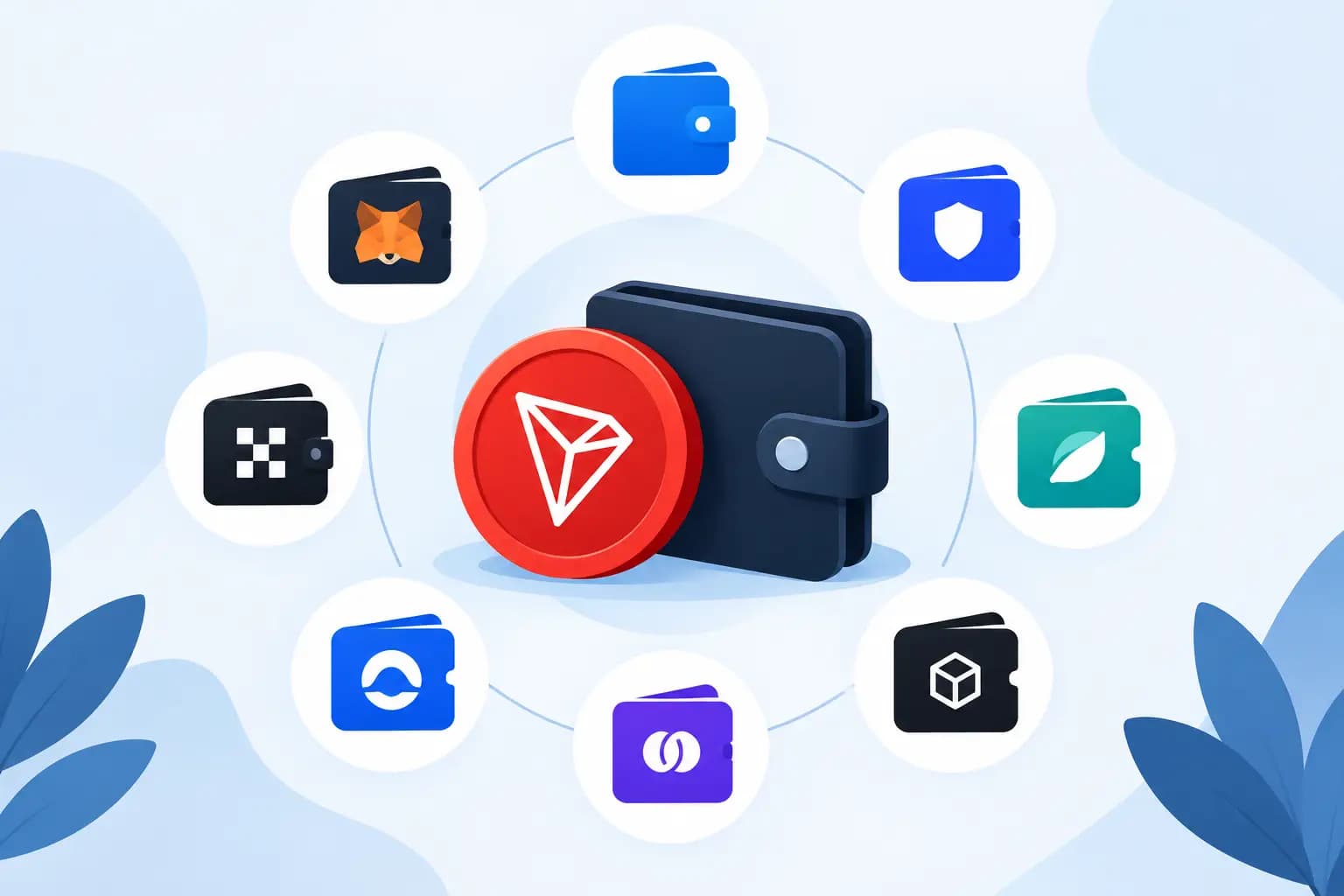
The following wallets are commonly used for TRC20 assets:
- TronLink is the native-focused choice for users who work primarily on TRON. It supports TRC20 tokens, TRON dApps, staking, voting, and resource management. Its strength is direct network functionality. Its trade-off is a more TRON-specific experience than a broad multichain wallet.
- Trust Wallet supports TRON and many popular TRC20 assets in a familiar mobile-wallet format. It works well for users holding assets across several networks, though advanced TRON resource controls may feel less central than they do in TronLink.
- Ledger can secure TRON private keys through compatible wallet interfaces, including TronLink. This is a strong setup for larger balances because transaction approval stays on the hardware device. It adds an extra verification step, which is usually a worthwhile trade for long-term holdings.
- SafePal supports TRON assets through its software and hardware wallet ecosystem. It is useful for users who want multichain access with an option to move to hardware-backed signing.
- TokenPocket offers TRON support alongside a wide range of networks and decentralized application access. It is built for users who regularly switch chains, although its broad feature set can feel busy if you only need to send USDT-TRC20.
- Klever Wallet supports TRON and TRC20 tokens with a mobile-first interface. It is a practical option for straightforward storage and transfers, especially for users who prefer a simpler wallet layout.
- OKX Wallet is a self-custody multichain wallet that supports TRON assets and decentralized application activity. It fits users who already manage positions across DeFi ecosystems, but always confirm the selected network before signing.
- Exodus supports TRON and selected TRC20 assets in a polished portfolio-style interface. It can suit users who prioritize an easy desktop and mobile experience over deeper TRON-specific controls.
Wallet support can change with software updates, regional availability, and token-list policies. Before receiving a meaningful amount, confirm that the wallet currently shows the exact asset and network you plan to use.
Choose by Workflow, Not by Brand Name
A wallet can technically support TRC20 and still be the wrong tool for your workflow. Start with where the funds will go next.
If you send USDT-TRC20 often, TronLink is usually the most direct option because it is designed around TRON account functions. You can view your TRX balance, interact with TRON applications, and manage resources without relying on a generic multichain interface. This matters when you make smart-contract token transfers rather than only receiving funds.
If you hold assets across Bitcoin, Ethereum, TRON, and other networks, Trust Wallet, SafePal, TokenPocket, or OKX Wallet may reduce operational friction. One interface can make portfolio management easier, but it also creates a higher risk of network-selection errors. Labels matter. “USDT” alone is not enough information. Check whether it is USDT on TRON, Ethereum, Solana, or another supported network before every transfer.
For larger balances, a hardware wallet changes the security model. Instead of leaving signing authority on a phone or browser extension, you approve each transaction on a dedicated device. Ledger paired with a compatible TRON interface is a common route. It is less convenient for rapid execution, but convenience should not be the only measure when the wallet holds business reserves or long-term funds.
TRX Is Part of Every TRC20 Sending Plan
Holding USDT-TRC20 does not automatically mean you can send it. TRON uses bandwidth and energy for transactions. A basic TRX transfer may consume bandwidth, while a TRC20 token transfer interacts with a smart contract and may require energy.
When your account has insufficient resources, the network can charge TRX to execute the transaction. This surprises users who receive USDT into a fresh wallet and then find they cannot move it without first adding TRX.
Keep a working TRX balance in any wallet used for outgoing TRC20 payments. The amount needed varies based on account state, available resources, and transaction conditions. If you transfer frequently, staking TRX or using a TRON energy rental service can be more predictable than repeatedly paying resource costs from the wallet balance. 2AML provides TRON energy rental as part of its operational utility stack for users who want to manage this cost without changing their custody setup.
How to Receive TRC20 USDT Without a Network Mistake
The receiving process is short, but each check has a purpose. Open your chosen wallet, select TRON, then select the specific TRC20 asset if the wallet displays it separately. Copy the TRON address and verify that it begins with “T.”
On the sending platform, choose the TRON or TRC20 network. Do not select ERC20 simply because both assets are called USDT. Match the network on both sides, review the first and last characters of the address, and send a small test amount when the destination is new or the balance is significant.
Some wallets do not show every token by default. If the funds were sent on the correct network but are not visible, check the transaction status on the TRON network and then look for an option to add or manage tokens. Only use the official contract address from a verified source. Fake token contracts are a common way to make a wallet display something that looks legitimate but has no real value.
Security Checks That Matter More Than Wallet Features
The wallet interface is only one part of the security decision. In self-custody, the recovery phrase is the control point. Anyone who has it can generally move the assets. Never enter it into a website, send it through chat, store it in cloud notes, or share it with a supposed support agent.
Use the official wallet application, keep device software current, and verify transaction details before approval. Browser-wallet users should be especially selective about decentralized applications and token approvals. A malicious approval can create risk even when you never disclose the recovery phrase.
For business or high-frequency operations, separate wallets by purpose. Keep a lower-balance execution wallet for swaps, payments, and dApp activity. Store reserves in a hardware-secured wallet that does not connect to every service. This structure limits exposure when a working wallet interacts with an unfamiliar contract.
You should also treat every incoming payment as an operational event, not just a balance update. Confirm the asset, network, sender context, and transaction status before releasing goods, crediting an account, or forwarding funds. Wallet visibility and transaction review are often more useful than a long list of extra features.
The Best TRC20 Wallet Depends on the Next Transaction
Choose TronLink when TRON is your main network and resource control matters. Choose a multichain wallet when you actively move across ecosystems. Add hardware signing when the wallet will hold meaningful value for more than a short execution window.
The safest first move is simple: create the wallet, save the recovery phrase offline, add a small amount of TRX, and test a small TRC20 transfer before using it in a larger workflow. That one test gives you more confidence than any wallet feature page can.